A duplicate guest profile means the hotel system holds more than one guest profile for the same person. The guest arrives once through Booking.com, once by phone and once on an agency list; each time the name is spelled a little differently and reception opens a new profile. A few years later the same person's stay history is spread over three profiles, their preferences over two, and their contact consent sits on a profile nobody looks at. The result: a loyal guest is not recognised, an invoice goes to the wrong profile, and a campaign reaches someone who never agreed to it. In this guide we explain how duplicates appear, which details show that two profiles are the same person, how to prevent them before a new profile is opened, how to merge two profiles safely and what the Turkish data protection law (KVKK) says about it.
- The most reliable match is the document type and document number; name, surname and date of birth should only be a suggestion and never a reason to merge on their own.
- Cleaning up duplicates later costs far more than preventing them at check-in; the match check should happen before a new profile is opened.
- A merge moves bookings, folios, invoices, consents and notes onto one profile; the old profile is not deleted but deactivated, and who merged it and why is recorded.
What is a duplicate guest profile and why does it appear?
A guest profile is the record in the hotel system that holds a person's identity, contact, stay and preference details. When a second profile is opened for the same person, it looks as if you have two different guests. One of these profiles is usually opened with incomplete data: just a name and surname, perhaps a phone number.
Duplicates rarely come from bad intent; they come from the speed of the workflow. A booking arrives from a channel without the guest's document details; with a queue at reception the employee opens a new profile instead of searching; foreign names are spelled with different letters. When group and agency lists are imported in bulk, the same person is created again.
- Spelling differences: Mehmet Yılmaz, Mehmet Yilmaz, M. Yılmaz.
- Channel differences: Booking.com, Expedia and phone bookings each open a profile.
- First name and surname swapped, especially with Asian and Arabic names.
- A surname changed after marriage, or names with two surnames.
- Bulk import of an agency or group list.
- The booker recorded as the guest instead of the person who stays.
What duplicate profiles cost the hotel
The first cost is not recognising the guest. A guest arriving for the fifth time looks like a first-timer because the profile is split. Their favourite room type, pillow preference, allergy or last stay's problem does not appear on screen. If there is a loyalty programme, their points are spread over two profiles and never reach the next tier.
The second cost is in accounting and reporting. A company invoice goes to the wrong profile, an old debt stays hidden, and revenue per guest and the repeat-guest rate come out lower than they really are. Someone who was blacklisted or had a payment problem can check in again unnoticed with a new profile.
The third cost is legal risk. A guest may have agreed to marketing messages on one profile and not on the other; an email sent to the profile without consent means both a complaint and a legal risk. Needless copies of the same person's data also go against the KVKK principle that data must be accurate and kept up to date.
How can you tell two profiles are the same person?
Not every detail carries the same weight. A name and surname prove nothing on their own: a large city hotel can have dozens of different guests with the same name and surname. That is why matches should be split into strong and weak signals.
A strong signal is a detail two people cannot share by chance: the same document number for the same document type, the same loyalty membership number or the same verified email address. A weak signal only points to a candidate: the same name, surname and date of birth, the same phone number (family members may share one) or the same company name. With weak signals the decision must always be made by a person.
- Strong: the same document type and document number (Turkish ID, passport).
- Strong: the same loyalty membership number.
- Medium: the same name, surname and date of birth.
- Weak: the same phone or email; families and companies may share them.
- Weak: only a similar name and surname; never enough on its own.
- Document numberStrong: same type and number
- Membership numberStrong: same loyalty record
- Date of birthMedium: together with the name
- Phone, emailWeak: families may share them
Prevent it before a new profile is opened: matching at check-in
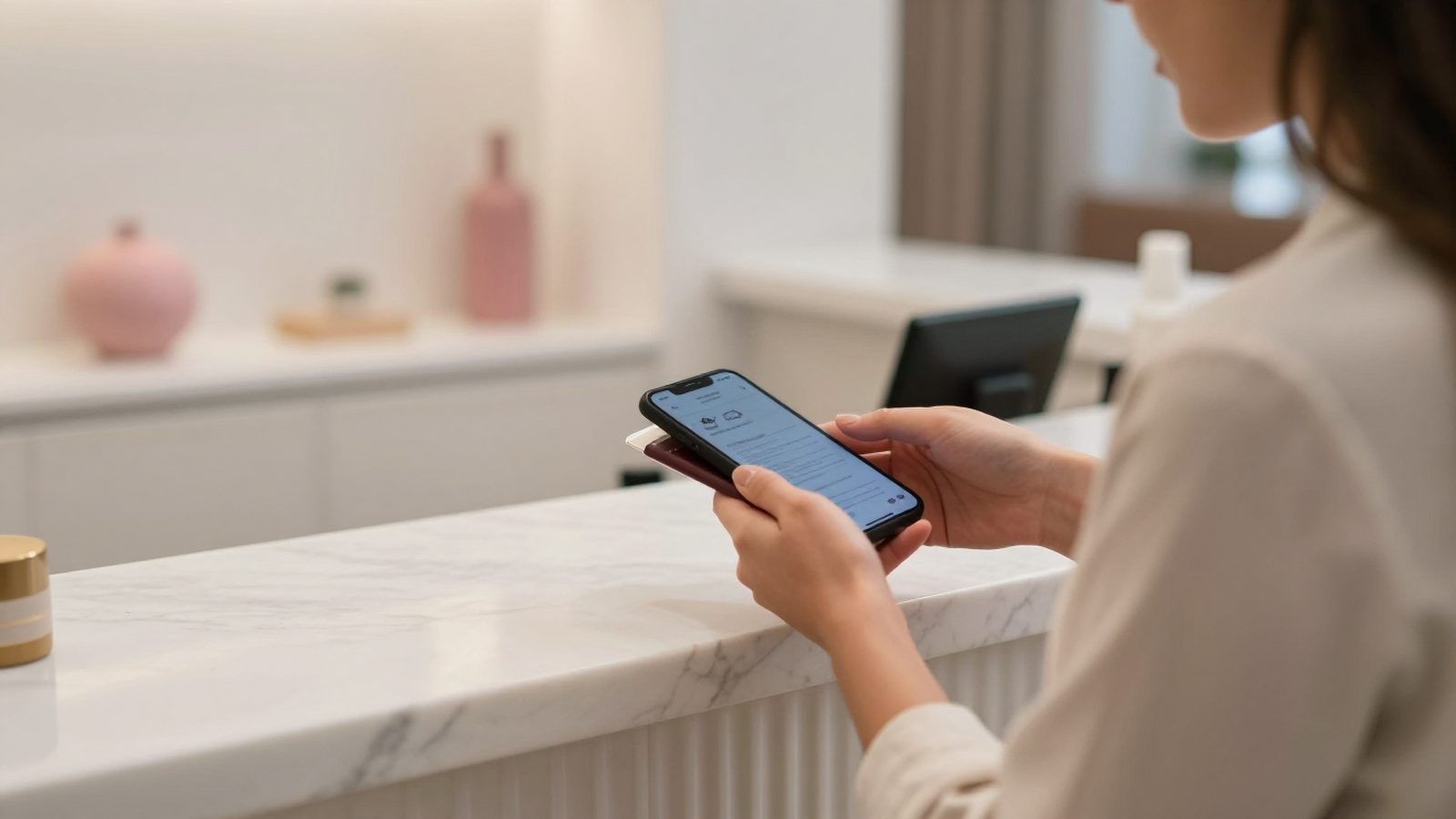
Check-in is the cheapest place to prevent a duplicate, because the guest's document is in your hand at that moment. When an ID or passport is read, the system should first check whether an active guest is already registered with the same document type and number, and if so suggest the existing profile instead of opening a new one. For channel bookings too, if a name match appears, the receptionist should be able to pick the existing profile instead of a new one.
If there is no document number, for example on a channel booking that has not checked in yet, a record with the same name, surname and date of birth should only be shown as a suggestion. The default option should be a new profile, and the existing record should be chosen only if the employee wants it. This distinction stops two different people with the same name from being written onto one profile by mistake.
The document number should be shown masked, not in full; matching can compare a digest generated from the number instead of the number itself. That way the document number is not needlessly shown to the employee while matching.

What to check before merging
A merge is hard to undo: the history of two profiles is gathered on one. So before you press the button, make sure the two profiles really belong to the same person and decide which profile will stay. Usually the oldest, most complete profile with verified document details becomes the target.
- If both profiles have a document number, is it the same? If not, do not merge; they are two different people.
- Do the dates of birth and nationality match?
- Does either profile have a blacklist entry, a risk note or an open balance? If so, that information must not be lost.
- Are the contact consents different? The most recent and most restrictive consent should apply.
- Which profile is in house now or has a future booking?
- Write the reason for the merge in one sentence: which detail told you it is the same person?
How to merge two profiles step by step
A correct merge moves everything on the source profile to the target profile and deactivates the source profile instead of deleting it. Stays, bookings, folios, invoices, documents, notes, requests, loyalty membership and conversations with the guest move to the target profile. If the same stay in the same room appears on both profiles, only one record remains.
Contact consents need special care. If the target profile already has a consent of the same type, it is kept and the repeated consent on the source profile is removed; consent types the target does not have are moved. The source profile is then deactivated, the profile it was merged into is noted on it, and the operation is written to the audit log with who did it, when, why and how many records were moved.
Deleting the source profile completely may look tempting, but old reports, legal notifications and accounting records may be linked to it. A deactivated profile that shows which profile it was merged into keeps the history intact and shows where to look if a wrong merge is noticed.
- 1VerifyDocument number, date of birth and nationality are compared.
- 2Pick the targetThe oldest profile with a verified document stays.
- 3Move the recordsStays, bookings, folios, invoices and notes move to the target.
- 4Combine consentsA consent of the same type is not repeated; missing ones move.
- 5DeactivateThe source profile is not deleted; its merge target is noted.
- 6Record itWho, when, why and how many records were moved.
Duplicate records and KVKK
Article 4 of the Turkish Personal Data Protection Law No. 6698 (KVKK) requires personal data to be accurate and, where necessary, kept up to date, and to be relevant, limited and proportionate to the purpose for which it is processed. Several conflicting profiles for the same person should be cleaned up regularly to meet these principles.
Article 11 of the law gives the data subject the right to ask for incomplete or inaccurate data to be corrected. If a guest asks for their address or consent to change and you have to do it separately on every split profile, the chance of missing one is high. A single profile is the most reliable way to meet that request in full.
Article 7 of the law covers erasing, destroying or anonymising data once the reason for processing it no longer exists, and Article 12 requires the technical and administrative measures needed to prevent unlawful access to data. In practice this means giving merge rights only to certain roles, recording every merge, and handling deactivated profiles under your destruction policy once their retention period ends.
A weekly clean-up routine
However good the prevention, some duplicates will appear. A short weekly routine is enough to catch them before they pile up. The front office manager or the guest relations lead lists possible duplicate profiles, merges those with a strong signal, notes the uncertain ones and verifies them with a document on the guest's next visit.
Give the routine to one person and measure the result: how many profiles were merged this week, how many candidates turned out wrong, which channel produces the most duplicates? These numbers show where the problem comes from and which employee or which import needs training.

- Scan the profiles opened last week against older profiles with the same name and surname.
- Merge those with the same document number first.
- Do not merge those with only a similar name; add a note and verify on the next visit.
- Check agency and group imports separately.
- Share the result in a short table at the front office meeting.
Duplicate guest profiles in RoomFollow
In RoomFollow, when an ID or passport is read with the camera and an active guest is already registered with the same document type and number, the system suggests using that profile instead of opening a new one; the receptionist can still choose a new profile. If there is no document number, a record matching the same name, surname and date of birth is only shown as a similar guest and is never merged automatically. Document numbers are shown masked and matching uses a digest generated from the number.
A duplicate profile is merged into the target from the Merge tab on the guest profile. The merge does not go through without a written reason. Stays, bookings, folios, invoices, documents, notes, conversations, requests, loyalty membership and packages move to the target profile; consents of the same type are not repeated. The source profile is not deleted: it is deactivated and its note records which profile it was merged into. Every merge appears, with the number of records moved, in the profile's merge history and in the audit log.
FAQ
What is a duplicate guest profile?
It means the hotel system holds more than one guest profile for the same person. It usually comes from bookings arriving through different channels, spelling differences in names and new profiles opened at check-in without a search.
Can I merge two profiles with the same name and surname?
Do not merge on a similar name alone. Confirm it is the same person with at least one strong detail such as the document number, date of birth or loyalty number. If you are not sure, check with the document on the guest's next visit.
Should the old profile be deleted after merging?
No. The old profile should be deactivated with a note of the profile it was merged into. That way old reports and accounting records stay intact and the history can be traced if a wrong merge is noticed. Data whose retention period has ended is handled under your destruction policy.
If two profiles have different contact consents, which one applies?
The guest's most recent statement should apply. If it is unclear which is more recent, apply the more restrictive one and confirm the consent again at the guest's next contact.
Are duplicate records against KVKK?
A duplicate record is not a breach on its own, but KVKK requires data to be accurate and up to date, limited to the purpose and proportionate. Conflicting profiles make these principles harder to meet and can lead to correction requests being handled incompletely, so they should be cleaned up regularly.
Sources and updates
The legal information was checked against the official sources below on 21 November 2026. This article is general information, not legal advice; as the data controller, consult your legal adviser for your own situation.