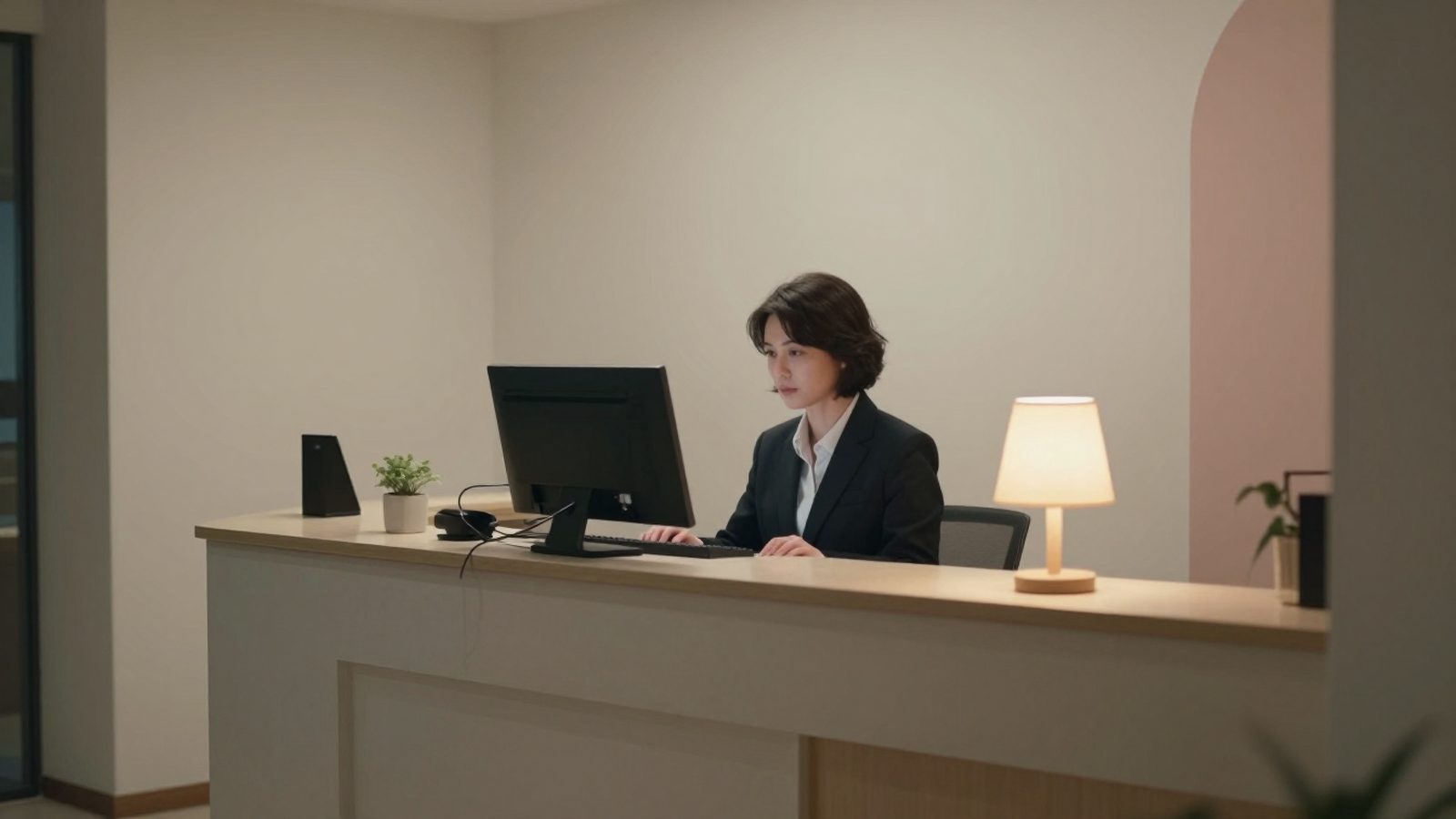
The night audit, also called the end of day, is the process in which the hotel closes its business day and moves to the next. It is usually done at night between 02:00 and 05:00 by the night receptionist. The goal is not just to move the date forward: it checks whether every in-house room's charge has been posted to the right folio, whether no-show reservations have been processed, whether the cash matches the payments and whether guest registrations are complete. This guide walks through the end of day in order and gives a checklist the night shift can use.
- The calendar day changes at midnight, but the hotel's business day changes when the night audit runs; mixing the two up means revenue posted to the wrong day.
- Four things are checked before the end of day: today's arrivals and no-shows, today's departures, open folios and rooms without rates, and cash and KBS.
- Good software does not start the end of day until these gaps are closed and can undo an audit that ran wrongly.
Why are the calendar day and the hotel's business day separate?
The calendar changes at 00:00, but the hotel's day does not end. A guest who arrives at 01:00 is actually staying for the previous day's night; that night's room charge belongs to the previous business day. A restaurant bill closed after midnight also belongs to the same business day. That is why hotels use a 'business day' independent of the calendar, and it moves forward only when the night audit runs.
If the night audit is not done, the business day does not move: the next morning the front desk is still working on yesterday's date, room charges are not posted and reports are not produced. If the audit runs twice, one night's charge is posted twice. So the end of day must be done once every night, in a controlled way.
- 1Arrivals and no-showsArrivals checked in, no-shows marked
- 2Departures and foliosBalances zero, every room has a rate
- 3CashierShifts closed, card total matches the terminal
- 4KBSNo pending or failed records
- 5Night auditRoom charges posted, the business day moves on
Step 1: Complete arrivals and process no-shows
Open the list of reservations expected today. Everyone who arrived must be checked in; a guest who arrived but was not checked in on the system misses both the room charge and the KBS report. Note the guests who said they will arrive late and keep their reservation open until the next morning.
Mark guaranteed reservations that did not arrive without notice as no-shows. The no-show fee is collected from the card or deposit according to your hotel's policy, usually the first night's amount, and posted to the folio. A non-guaranteed reservation is cancelled and the room is reopened for sale. If a channel manager is connected, the no-show for OTA reservations must also be reported to the channel; otherwise the guest who never came also shows up on the commission invoice.
Step 2: Check departures and open folios
Look at rooms that should have checked out today but still appear in-house. If the guest has really left, check them out; if there is a late check-out or an extension, update the reservation dates. A folio that was checked out but whose balance was not cleared stays as a receivable nobody owns the next day.
Then check that every in-house room has a rate. A room showing a zero rate is either a complimentary stay or a forgotten entry; either way it should have an explanation. Check that charges from outlets such as the restaurant, bar and minibar have been transferred to the folios.
- No room is left that should have departed today but is still in-house.
- Every checked-out folio has a zero balance.
- Every in-house room has a rate; complimentary rooms have an explanation.
- The outlets' daily charges have been transferred to the folios.
Step 3: Close the cash and payments
Every shift cash drawer opened during the day must be closed. Cash, credit card, foreign currency and bank transfer collections are compared with the totals in the system. The card terminal's end-of-day report (Z report) and the credit card total in the software must be the same; if there is a difference, look for a cancelled or double-charged transaction.
Make sure the exchange rate has been updated to the day's rate. The Turkish lira value of reservations priced in foreign currency determines the room charge posted at the end of day.
Step 4: Check the KBS reports
Before the end of day, check that the identity report of everyone who checked in that day went through successfully and that the reports of those who checked out were closed. The in-house guest list and the list in KBS should be the same. If a record is waiting because of a connection error, send it before the day is closed. You can also read our detailed guide on how to manage KBS.
Step 5: Run the end of day
When the checks are complete, the night audit is started. The software posts that night's room charge and, if applicable, the accommodation tax to the folio of every in-house room, drops expired options, moves the business day forward by one day and produces the day's reports. This takes from a few seconds to a few minutes.
A wrong end of day, for example when a reservation that should have been a no-show was skipped, should be reversible. Undoing the audit, making the correction and running it again is faster and cleaner than a folio full of manual correction entries.
What should the morning report contain?
The end-of-day report is the one the owner or general manager reads with their morning coffee. It does not need to be long; it should answer these questions on one page.
- How many rooms were occupied last night and what was the occupancy percentage?
- What were the average daily rate (ADR) and revenue per available room (RevPAR)?
- What were the room, food and beverage and other revenue totals?
- How much was collected by each payment type and how much is still receivable?
- How many no-shows, cancellations and walk-ins were there?
- How many arrivals and departures are expected today?
A short checklist for the night shift
You can keep the list below printed at the front desk or compare it with the pre-check screen in your software.
- All of today's arrivals are checked in or noted as late arrivals who called ahead.
- Guaranteed reservations that did not arrive are no-shows; non-guaranteed ones are cancelled.
- All of today's departures are done and balances are zero.
- Every in-house room has the correct rate.
- Shift cash drawers are closed and the card terminal's end of day matches the card total.
- The exchange rate is up to date.
- There are no pending or failed records in KBS.
- The end of day has been run and the reports have gone to management.
End of day in RoomFollow
RoomFollow's night audit module opens a pre-check screen before starting the end of day: if there is a room without a rate, an open folio, a departure not done or a pending KBS record, it is listed and the end of day does not start. When the checks are complete, room charges are posted automatically, no-shows and expired options are processed, and reports are produced and emailed to the defined people. An audit that ran wrongly can be undone and run again; you can also see the end-of-day status and the list of gaps from your phone.
FAQ
What time is the night audit done?
In most hotels it is done between 02:00 and 05:00, after the last late arrivals. What matters is that it is done once every night in the same time window.
What happens if the night audit is not done?
The business day does not move forward: room charges are not posted to folios, reports are not produced and the next day the front desk keeps working on yesterday's date. A delayed audit can post revenue to the wrong day.
Are the night audit and the end-of-day report the same thing?
No. The night audit is the process of closing the business day; the end-of-day report is the summary of occupancy, revenue and payments produced at the end of that process.
Does a small guesthouse need a night audit too?
Even without a night receptionist, the business day must be closed once. With cloud software, the end of day can be done first thing in the morning if the checks are complete; what matters is that room charges are posted to the correct night.
Can a wrong night audit be undone?
It depends on the software. In RoomFollow, an end of day that ran wrongly can be undone and run again after the correction is made.