Hotel software, known in the industry as a PMS (Property Management System), is the system that keeps all of a hotel's daily work on a single record, from reservations to check-in, from the room plan to the folio, from guest registration to the end-of-day report. In a 12-room guesthouse and a 200-room city hotel alike, the goal is the same: never write the same information twice, know which room is free from the screen rather than by guesswork, and be sure at the end of the day that the cash desk, the folios and KBS agree. This guide explains what hotel software does, which features are really essential and what to try during a demo before you buy.
- Good hotel software combines reservations, the room plan, folios, cash, KBS and channel management on the same data; when each lives in a separate program, information loss is unavoidable.
- For a hotel operating in Turkey, KBS connectivity, e-invoicing and channel manager integration are not features to look at later.
- Before buying, try your own hotel's difficult days on the demo: a room move, a split payment, a no-show, a group and a check-in after midnight.
What exactly does hotel software do?
Every task in a hotel's day touches a record. A reservation that comes in by phone sells a room type for those dates; a reservation from booking.com must come out of the same inventory. When the guest arrives, a room is assigned, ID details are taken and reported to KBS. During the stay, the room rate, minibar, restaurant and extra charges are posted to the folio. At check-out, payment is taken, an invoice is issued and the room goes to housekeeping as dirty. At night the day is closed and the next day's reports are prepared.
Hotel software lets this chain run from one place. Without software, or with fragmented software, the same information is written separately into Excel, a notebook, the channel panel and the KBS screen, and errors are born between these copies. If people ask 'was this room occupied?' in the morning, if the cash in the till does not match the folios, or if the KBS record of a late-night guest gets forgotten, the problem is not the staff but the system.
Which modules are essential and which can come later?
Every hotel software comes with a long feature list. What matters is that the core your hotel uses every day is solid. The list below is what is essential for a small or mid-sized hotel operating in Turkey.
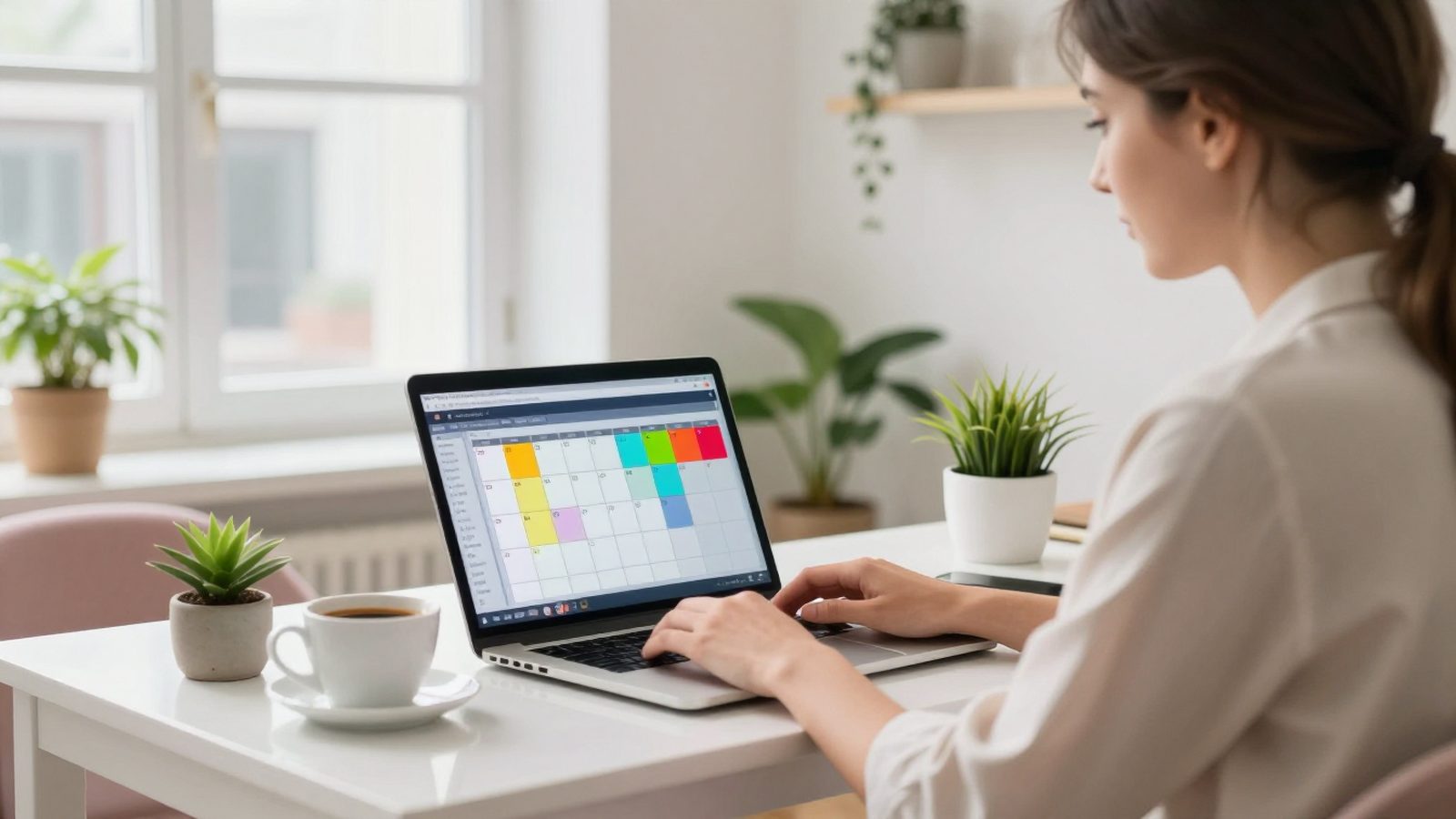
- Reservations and room plan (room rack): drag-and-drop room moves, options, guarantees, cancellations, no-shows and group bookings.
- Front office: check-in, check-out, early arrival, late check-out, room moves and undoing a wrong action.
- Folio and cash: automatic room charge posting, split payments, foreign currency, deposits, cash handover.
- KBS: direct connection to police and gendarmerie guest registration.
- Invoicing: e-invoice and e-archive integration and correct calculation of the accommodation tax.
- Channel manager: sending availability and rates to OTAs and receiving incoming reservations automatically.
- Night audit: end-of-day checks and morning reports.
- Housekeeping: dirty-clean room status and task list.
- ReservationRoom plan, options, groups
- Front deskCheck-in, check-out, room moves
- Folio and cashRoom charges, payments, deposits
- KBSPolice and gendarmerie registration
- e-Invoicee-Invoice, e-archive, accommodation tax
- Channel managerOTA availability and reservations
- Night auditEnd of day and morning report
- HousekeepingDirty, clean, inspected
Cloud hotel software or desktop?
Desktop programs are installed on a front desk computer or on a server inside the hotel. Their advantage is that they keep working when the internet goes down; but backups, updates, server failures and remote access are entirely your responsibility. When the owner wants to check occupancy from home, VPNs, remote desktop or 'call the front desk' come into play.
Cloud hotel software opens in a browser and on a phone. Backups, security updates and server maintenance are the provider's job; external connections such as the channel manager and KBS run continuously on the server side. When choosing, the question should not be 'is the cloud safe?' but 'how does this provider protect my data?': is the data kept in Turkey, how often are backups taken, how detailed are user permissions, is there two-step sign-in, is an activity history kept? Keeping a mobile line as a backup at the front desk is a sufficient precaution against internet outages for most hotels today.
Seven scenarios to try during a demo
Every program looks good in a sales presentation. You see the difference in your hotel's difficult moments. Do not leave the demo to the salesperson; try the scenarios below yourself, with your own room types, and count how many clicks each one takes.
- Move a guest staying three nights to another room on the second night; do the rate and folio stay correct?
- Check in a family of four at 01:30; are the four people's KBS records sent separately?
- Split an invoice between a company and the guest's extras; can two separate invoices be issued?
- Cancel a reservation from booking.com; does the room reopen for sale on the channels?
- Mark a guaranteed reservation as a no-show; how do the charge and the room status change?
- Undo a check-out done by mistake; is the action kept on record?
- Run the end of day; does the system warn you about an open folio or a missing rate?
What to watch for in pricing
Hotel software is usually sold as a monthly or yearly subscription based on the number of rooms. When comparing offers, do not look only at the monthly figure. Setup fees, whether the channel manager and e-invoice integration cost extra, fees per additional user, training and support hours, and the format in which you can take your data when the contract ends determine the total cost.
There is also a hidden cost: staff time. Switching to a separate screen for KBS at every check-in, entering channel reservations by hand or hunting for the end-of-day difference costs minutes every day and hours every month. A cheap but fragmented system is often the expensive one.
How do you switch from old software?
The most sensitive part of a switch is future reservations and open folios. The order we recommend is this: first set up room types, rooms, rate plans and users in the new system. Then transfer future reservations and guest profiles. Put the switch-over on a quiet day for the hotel; on that day open the in-house guests as checked in on the new system and enter their balances as carried forward.
Turn on the channel manager connection on switch-over day, right after the old system's connection is closed; if two systems send availability to the channels at the same time, they will conflict. Leaving the old software read-only for the first week makes life easier when you need to look up a reservation's history.
Where does RoomFollow fit in this choice?
RoomFollow is cloud-based hotel software designed for the daily work of hotels in Turkey. Front office, a drag-and-drop room plan, folio and cash, night audit, housekeeping, police and gendarmerie KBS connectivity, e-invoicing and the channel manager are in the same system. It works in the browser and in the iPhone and Android apps; IDs and passports are read with the phone camera.
If you would like to try the seven scenarios above with your own room types, request a demo and we will walk through a real day at your hotel together.
FAQ
Are hotel software and a PMS the same thing?
Yes. PMS stands for Property Management System and is also called hotel software, a hotel management program or a hotel automation system.
Does a small guesthouse need hotel software?
Even below 10 rooms, the risk of error is high when KBS reporting, channel reservations and payment tracking are done by hand. Cloud software priced by room count is affordable for small properties too.
What happens if the internet goes down with cloud hotel software?
The software needs the internet. That is why a mobile line or a second internet connection should be kept at the front desk as a backup. The phone app also keeps working on mobile data.
Can hotel software be used without a channel manager?
It can, but if you sell through OTAs you will have to update availability and rates on each portal by hand, which increases the risk of overbooking.
Can my data from the old software be transferred?
Usually the room list, guest profiles and future reservations are transferred with Excel or an export file. Folio and invoice details from past years are often kept as an archive in the old system.