The front office is where the hotel meets the guest face to face and where all of the day's work intersects. Morning departures, phone reservations during the day, the afternoon rush of arrivals, room moves, payments and the guest who arrives at midnight are handled at the same desk, often by the same person. Front office software is the software that brings this work onto one screen. In this article we follow a front desk day hour by hour and explain what good front office software should do at each moment.
- In good front office software the room plan, reservations, folio and guest registration are reached from the same screen; the front desk does not wander between windows.
- Check-in and check-out should take a few clicks; an action done by mistake should be reversible and kept on record.
- Shift handover, cash and end-of-day checks should be inside the software; they belong in the system, not in a notebook or a WhatsApp note.
08:00 Morning: departures and dirty rooms
The morning shift starts the day with the list of guests departing today. When the front office software opens, the 'departures today' list should be ready with balances: whose payment is complete, who has minibar or restaurant charges, who wants the invoice addressed to a company. When the guest comes to the desk, opening the folio, taking payment, issuing the invoice and closing the room should not take more than a minute.
A room that has been checked out drops automatically onto the housekeeping screen as 'dirty'. When the room attendant marks the room as cleaned from their phone, the front desk sees the colour change on the room plan. If this information travels by phone, radio or paper, the phrase 'let me check whether your room is ready' is heard often by guests who arrive early in the afternoon.
- Are today's departures listed with their balances?
- Can split payments and company invoices be done in a few clicks?
- Does a checked-out room drop to housekeeping automatically?
- 108:00 DeparturesBalances, invoices, dirty rooms
- 211:00 ReservationsRoom plan, options, channels
- 314:00 ArrivalsID scanning, KBS, key cards
- 416:00 Shift handoverCash count, handover notes
- 523:00 NightLate arrivals, no-shows, end of day
11:00 During the day: reservations, options and the room plan
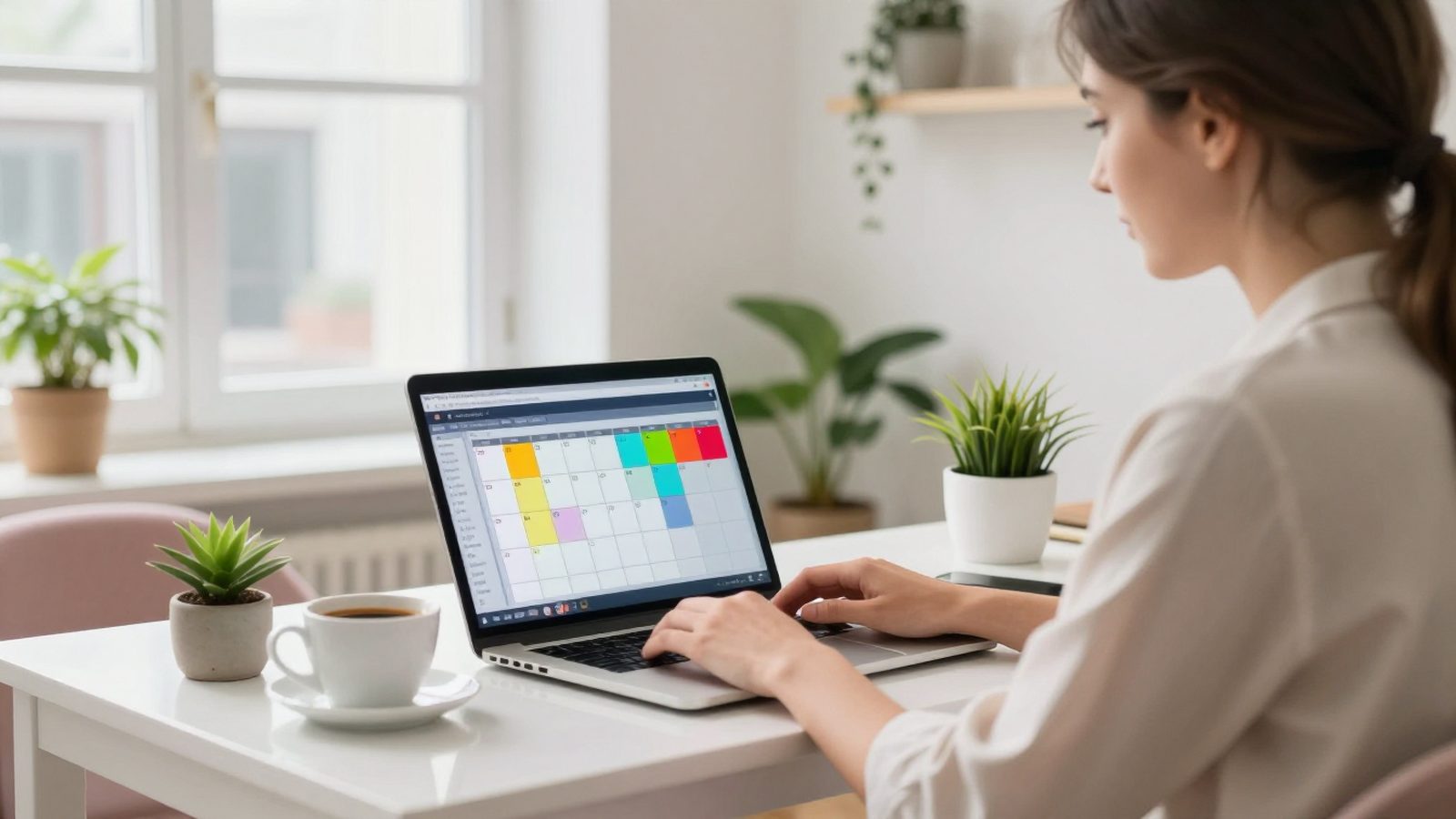
Towards noon, phone and email reservations come in. The front desk checks availability on the room plan (room rack): which rooms are occupied on which dates, how many rooms of each type are free. On a good room plan you can drag a reservation to another room or date and the rate is recalculated. When an option expires, the software should warn you, and it should remind you to take a deposit for a non-guaranteed reservation.
If a channel manager is connected, reservations from booking.com, Expedia or the hotel's own website land on the same room plan. The front desk does not need to log into a separate panel and type the reservation in by hand; the room sold closes on every channel at the same time.
14:00 Afternoon: arrivals and guest registration
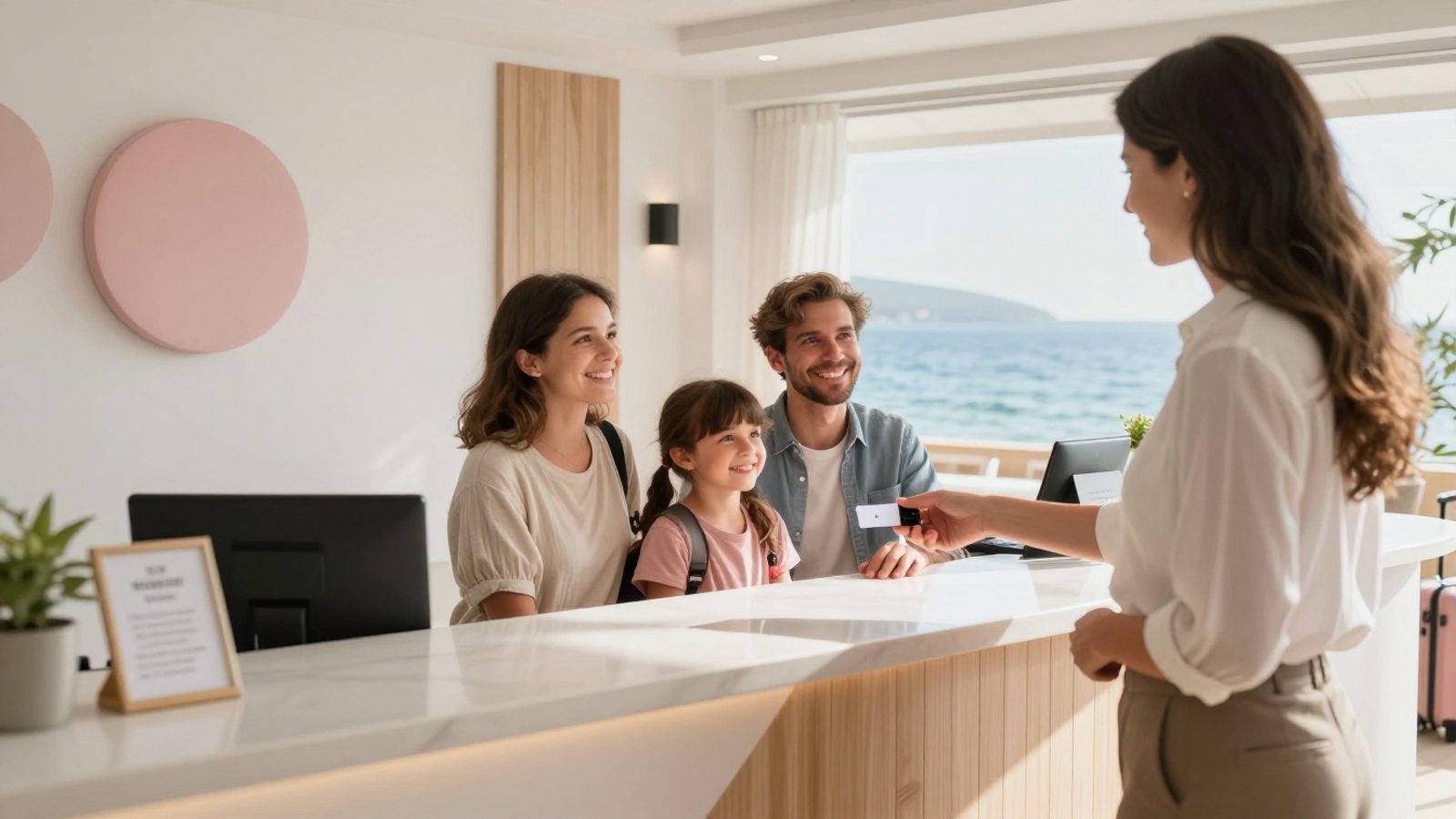
Arrivals usually peak between 14:00 and 19:00. During these hours front office software means speed. The arriving guest's reservation should be found in seconds by name, phone or channel number. Once a room is assigned, the ID or passport is read, every person in the room is recorded separately and the KBS report goes out with the check-in. If the key card system is connected, the card is encoded from the same screen.
The most common problem at this time is a room that is not ready. The software should block, or at least warn about, a check-in to a dirty room, and while the guest waits in the lobby it should be able to pass a 'let me know when the room is ready' note to housekeeping. VIP, birthday, allergy or blacklist alerts should appear on screen as soon as the reservation opens.
- The reservation is found in seconds by name, phone or channel number.
- ID scanning and the KBS report are done without leaving the check-in screen.
- A check-in to a dirty room shows a warning.
- Special requests and alerts appear when the reservation opens.
16:00 Shift handover and cash
At shift change, the person handing over closes their cash drawer: cash, credit card, foreign currency and bank transfer collections are counted separately and compared with the total in the system. If there is a difference, it should be found during the handover; a difference found the next day has no owner. Front office software should keep the shift cash per user and print the handover report with one click.
Information is handed over along with the cash: the VIP who is expected, the guest with a complaint, the group arriving late, the room out of order. If these notes stay in a notebook or a messaging group, they get lost. When they are kept in the software as shift notes and room messages, the next shift sees the note when it opens the related reservation.
23:00 Night: late arrivals, no-shows and end of day
The night shift runs with one person, and this is when most mistakes happen. The check-in of a guest who arrives after midnight must be written to the correct day and the KBS report must go out with the real time. Guaranteed reservations that did not arrive are marked as no-shows, charged to the folio according to your policy, and the room is reopened for sale.
Then the night audit is run. Good software lists what is missing before starting the end of day: a room without a rate, an unclosed folio, a departure not done, a KBS record not sent. Once these are fixed, room charges are posted automatically, the business day moves forward and the morning reports go to management by email.
Ten features to look for in good front office software
Throughout the day above, what the front desk needs most is speed and accuracy. You can use this list when evaluating front office software.
- Drag-and-drop room plan with status colours
- Search that finds a reservation in seconds
- ID and passport scanning with direct KBS reporting
- Split payments, foreign currency and deposit management
- e-Invoice and e-archive integration
- Automatic reservation intake from the channel manager
- Live room status with housekeeping
- Per-user shift cash and handover report
- Undoing a wrong check-in or check-out with a record kept
- Night audit with pre-checks and automatic morning reports
The RoomFollow front office module
RoomFollow's front office module was designed for this whole day. With the quick action menu you check in, move rooms, open folios and cancel without leaving the list; a wrong check-in or check-out can be undone and every correction is recorded with who did it and when. The room plan works with drag and drop, the KBS report goes out with the check-in, and with the iPhone and Android apps you can manage the hotel even when you are away from the front desk.
FAQ
What is the difference between front office software and hotel software?
Front office software is the reservation, room plan, check-in, check-out and folio part used by the front desk. Hotel software (PMS) also covers modules such as housekeeping, accounting, reporting and channel management. Today the two are usually the same software.
What is a room rack?
A room rack is a room plan that shows rooms as rows and days as columns. It shows at a glance which room is occupied, free, dirty or out of order on which date.
How long should check-in take?
For a guest with a ready reservation it should stay under two minutes, including ID scanning and the KBS report. If it takes longer, the information is usually being typed into more than one screen.
Can front office software be used from a phone?
Cloud-based software can also be used from a phone or tablet. RoomFollow's iPhone and Android apps include the room plan, check-in and ID scanning.