Hotel owners and managers do not spend most of the day at the front desk. In the breakfast room, on a floor, in a meeting with a supplier or in another city, they have to call the front desk for questions like 'how many rooms are occupied tonight?', 'has the group settled in?' or 'is there an error in KBS?'. RoomFollow's iPhone and iPad app puts the answers to these questions in your pocket. The app works on the same data as the web panel; a change made on the phone appears in the panel instantly, and vice versa. In this article we explain who the app helps during the day, and how.
- The app is not a separate system but the same hotel data as the web panel; changes reach every device instantly.
- ID cards and passports are read with the phone camera, and check-in and the KBS report are done from the phone.
- Each employee sees only the screens they are authorised for: a room attendant the cleaning list, accounting the folios, the manager everything.
Morning: overview and the day's lists
When you open the app, the first screen is the hotel's current status: occupancy, today's arrivals, in-house guests, today's departures and pending tasks. Before leaving home, the manager sees what happened overnight, how many no-shows there were and whether the end of day closed without problems. With push notifications on, new reservations, cancellations, KBS alerts and end-of-day reminders arrive on the phone.
Front desk: check-in by reading the ID
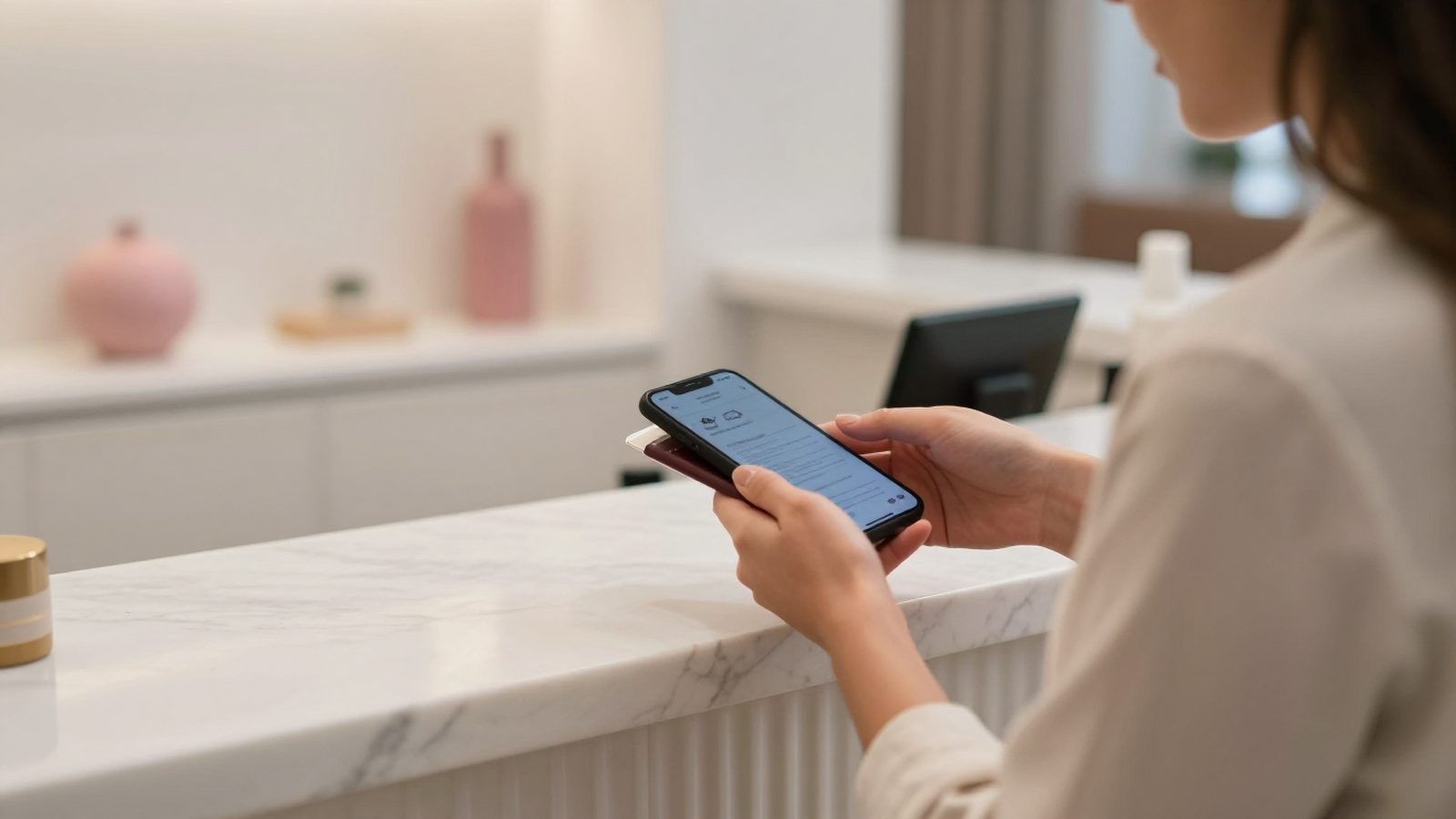
To check in, you just show the guest's ID card or passport to the phone camera. The app reads the details on the document and fills in the guest record; the front desk only checks and confirms. Every person in the same room is recorded separately and the KBS report goes out with the check-in. The status of the report is visible in the app too: sent, waiting or needs correction.
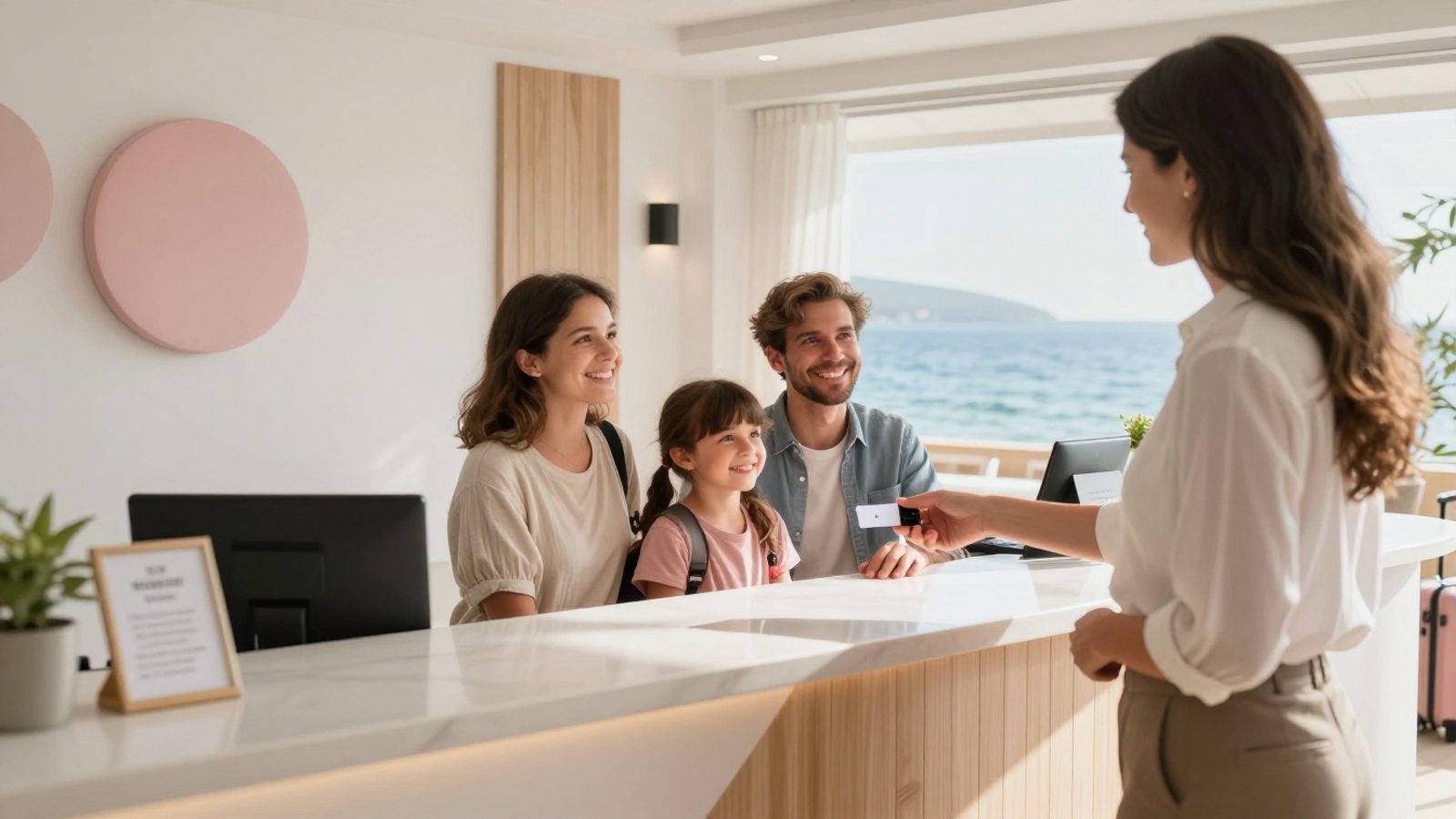
This is especially useful at busy arrival times and in small properties without a front desk. A guesthouse owner can greet the guest at the door and complete the check-in on the spot. At check-out, the balance is shown, payment is taken and the room drops to housekeeping as dirty.
- OverviewOccupancy, arrivals, departures
- ID scanningPassports and ID cards
- Room planRoom status floor by floor
- HousekeepingCleaning and inspection
- MaintenanceWork orders with photos
- Folio and cashBalances, payments, PDF
- Night auditGaps and status
- NotificationsReservations, KBS, cancellations
Room plan and reservations
The room plan shows room status by floor: occupied, vacant, dirty, clean, inspected, out of order and blocked. When you tap a room, you see the guest staying in it, notes and history; you can open a fault report or leave a room note. On the reservations screen you search, edit, cancel, mark no-shows and create walk-in reservations. You can enter a reservation that came in by phone without going back to the desk.
Housekeeping & technical service
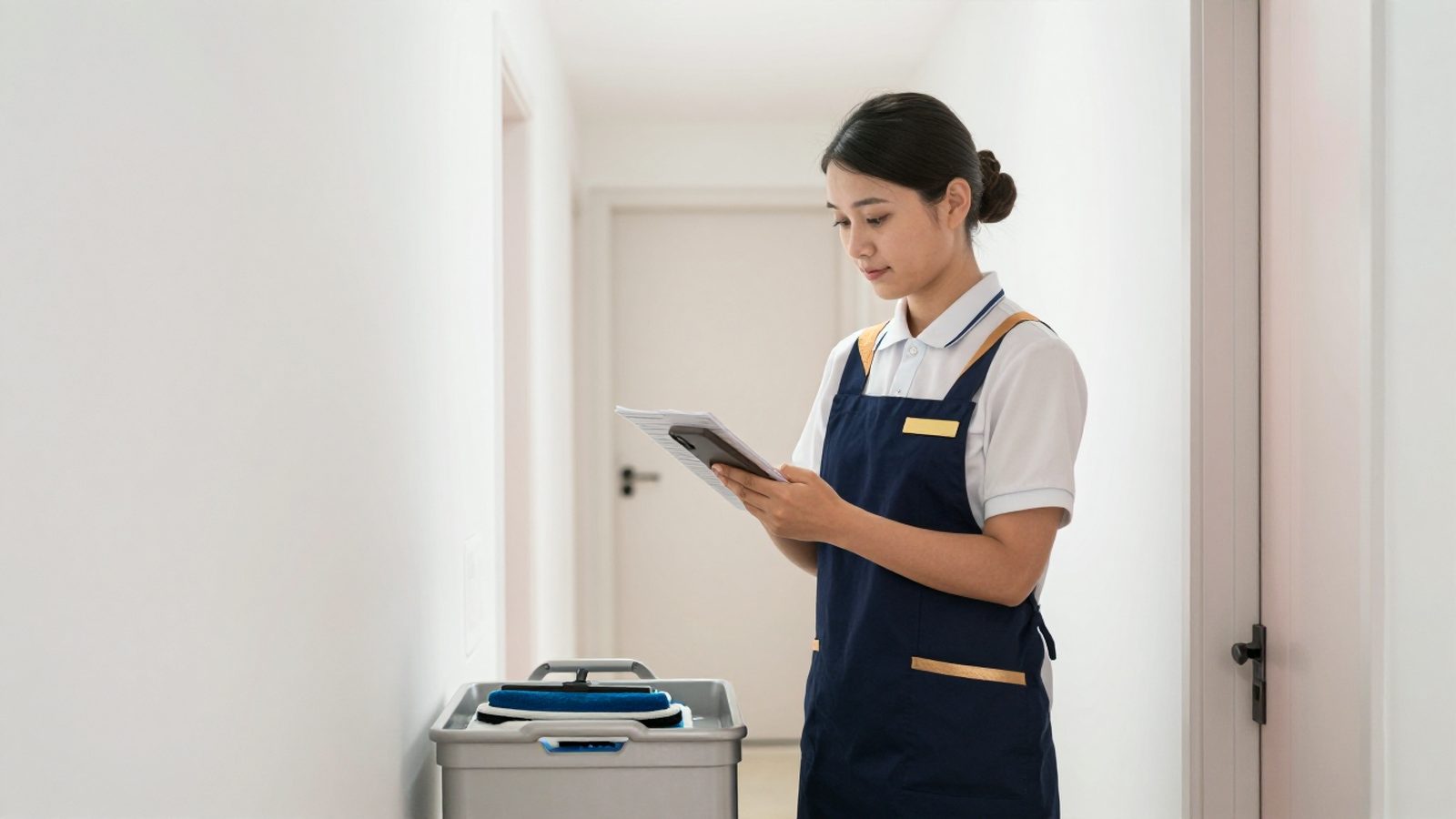
When a room attendant opens the app, they see only their own cleaning list. When they clean a room, they mark it, complete the checklist and the room appears as clean on the front desk's screen. If they notice a fault, they open a work order with a photo; maintenance receives it on their phone and closes it when done. Communication that used to happen by radio and paper lists is gathered on one screen.
Finance: folios, cash and reports
An authorised user sees active folios, the front desk cash and reports on the phone. There is no need to open a computer for a guest's balance, the day's payment total or yesterday's revenue. Reports can be shared as PDFs and sent to the accountant or a partner in a few taps.
End of day, channel management and occupancy forecast
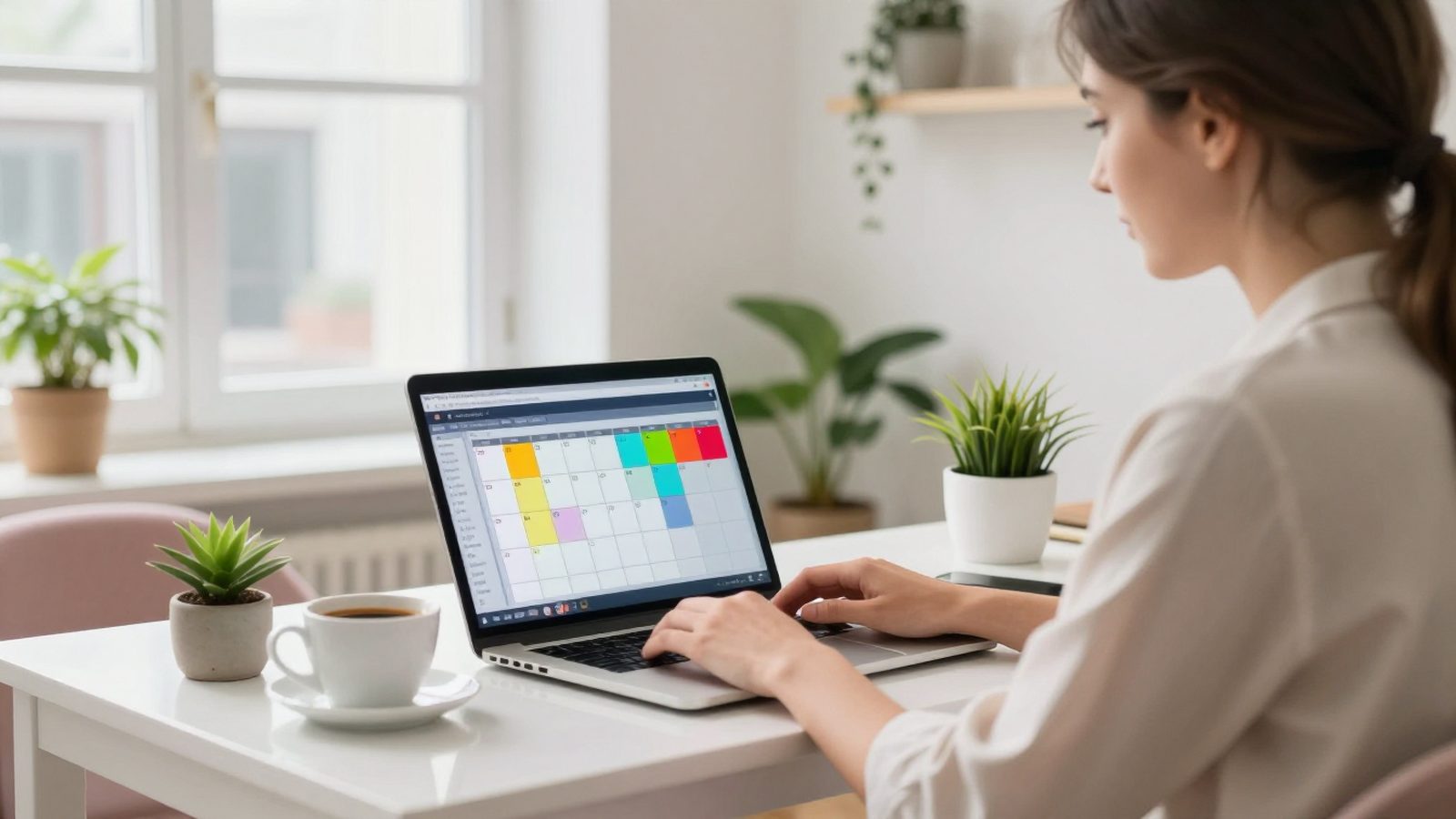
The end-of-day screen lists the gaps before the night audit: a room without a rate, an open folio, a departure not done. The night receptionist can close the gaps and follow the end of day; the manager sees in the morning that everything has closed. With the channel management and occupancy forecast screens, the coming days' occupancy and reservations from the channels are in your pocket too.
Permissions and security
In the app, each employee sees only the screens their role allows. A room attendant does not see folios and the front desk does not enter accounting reports. Sign-in uses the hotel code, email, password and a verification code sent by email; session details are kept in the phone's secure keychain and the session of a lost phone can be closed from the panel. Guest ID images are not saved to the phone's photo library.
19 languages and iPad
The app is available in 19 languages and opens in the phone's language; in teams with foreign staff, everyone works in their own language. On iPad, the large screen can be used like a second screen at the front desk. The Android app is being prepared with the same screens.
How do you get started?
The app is for hotels that use RoomFollow; you sign in with your hotel account. If you do not use RoomFollow yet, request a demo and we will show you the web panel and the phone app together with your own room types.
FAQ
Do changes made in the app appear in the web panel?
Yes. The app and the web panel work on the same data; a change made on one device appears instantly on the others.
Does passport reading work with every country's passport?
Passports and ID documents with the international standard machine-readable zone (MRZ) can be read. We recommend checking the details by eye before saving.
Is there an Android app?
The Android app is being prepared with the same screens as the iPhone app.
Continue to read
 Front deskHotel front office software: a day at the front desk and the features it needs
 Front deskWhat is KBS and how do hotels in Turkey use it? A guide to police and gendarmerie guest registration
 Hotel technologyWhat is hotel software and how do you choose it? A PMS guide for small and mid-sized hotels